How to manage frozen embryos in GENNO
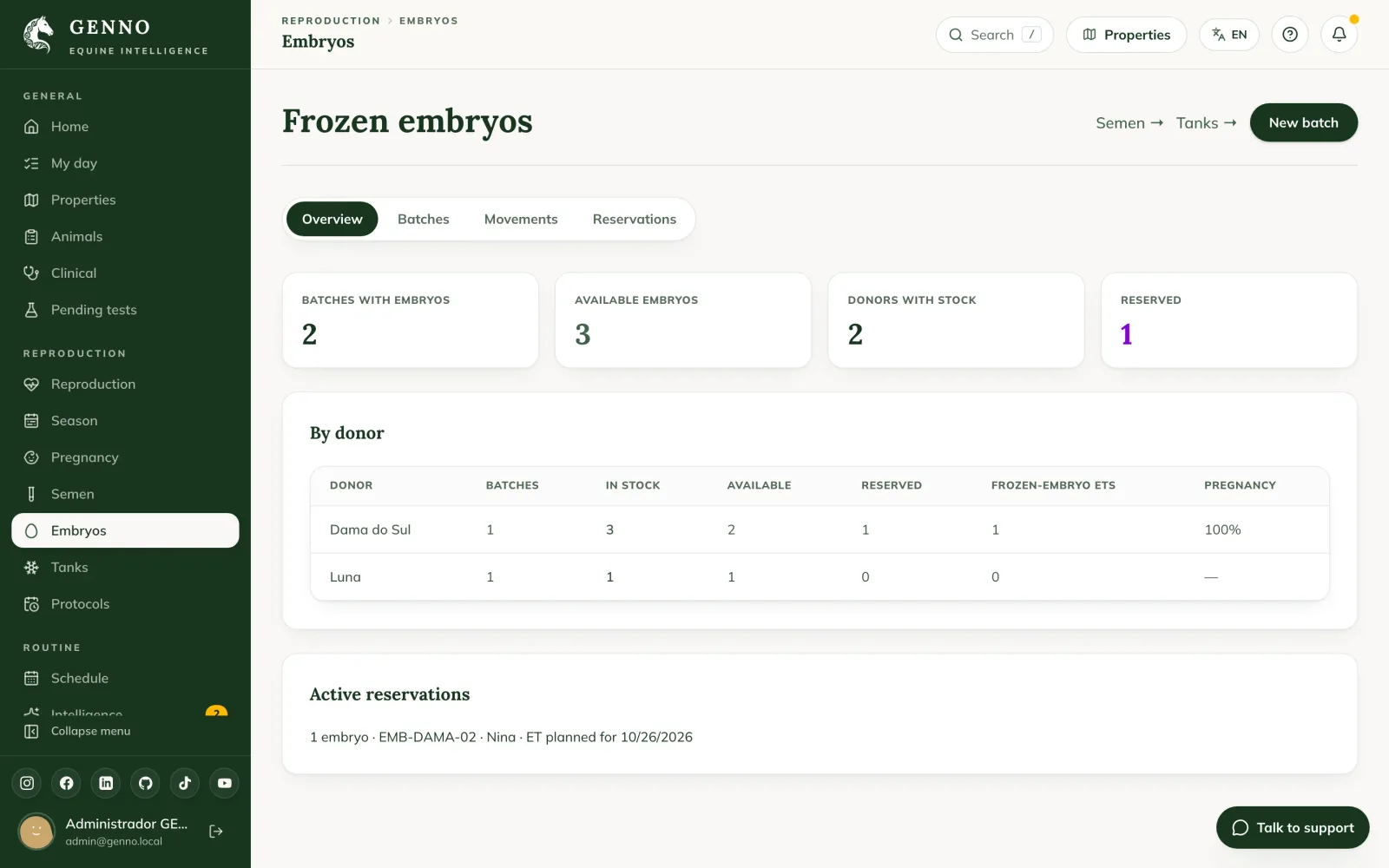
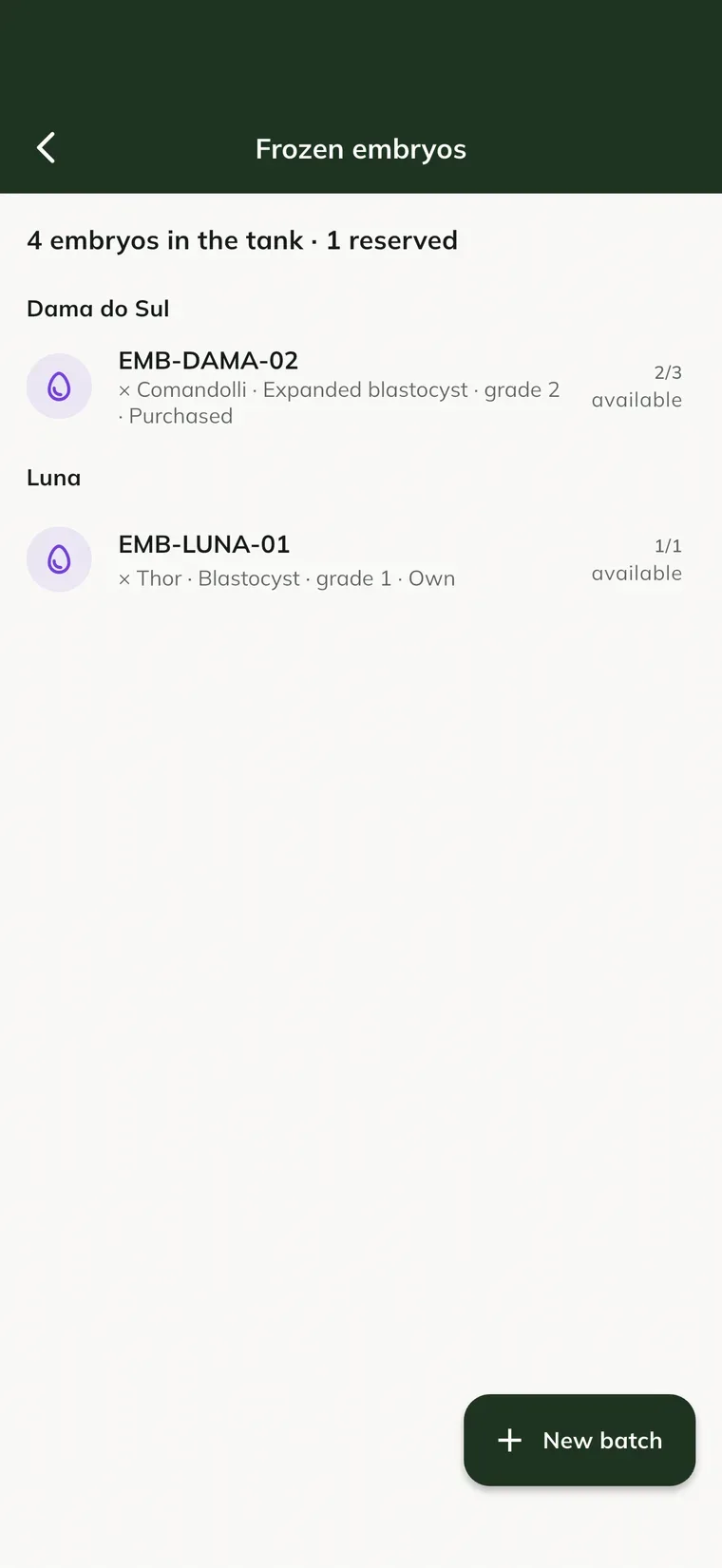
Frozen embryos sit in the same tank as the semen. GENNO shows how many embryos each donor has, where each straw is, what is reserved and the result of each frozen-embryo ET.
Before you start
- On the web, click Embryos in the menu, under Reproduction. In the app, open Semen, embryos and tanks and tap the embryo icon at the top.
- Whoever handles semen handles embryos: the permissions are those of the Semen, embryos and tanks module.
- Each embryo takes one straw, and a position's capacity adds up semen and embryo straws.
- In the app, freezing, reserving, moving and thaw and transfer work offline.
Freeze at the flush
- In the breeding season, open the flushes tab.
- On the flush, click or tap Freeze.
- Enter how many embryos go to the tank, the Tank position, the Stage, the Grade (1 to 4) and the Method (vitrification or slow freezing).
- Save. The batch is created with the donor, the stallion and the source flush.
Transferred plus frozen cannot exceed the embryos recovered in the flush.
Register a purchased batch
- In Embryos, click New batch.
- Under Origin, choose Purchased and fill in the Stud center / supplier.
- Choose the Donor or Outside (enter the name), and the Stallion the same way.
- Fill in Batch code, Freezing date, Stage, Grade (1 to 4), Method and Medium. If you want, enter Quarantine until.
- Under Storage (one straw per embryo), choose the tank, rack and canister and the quantity.
- Click Save batch.
Batches that already existed in another system can come in through the Frozen embryos sheet in Import data.
Reserve for the recipient
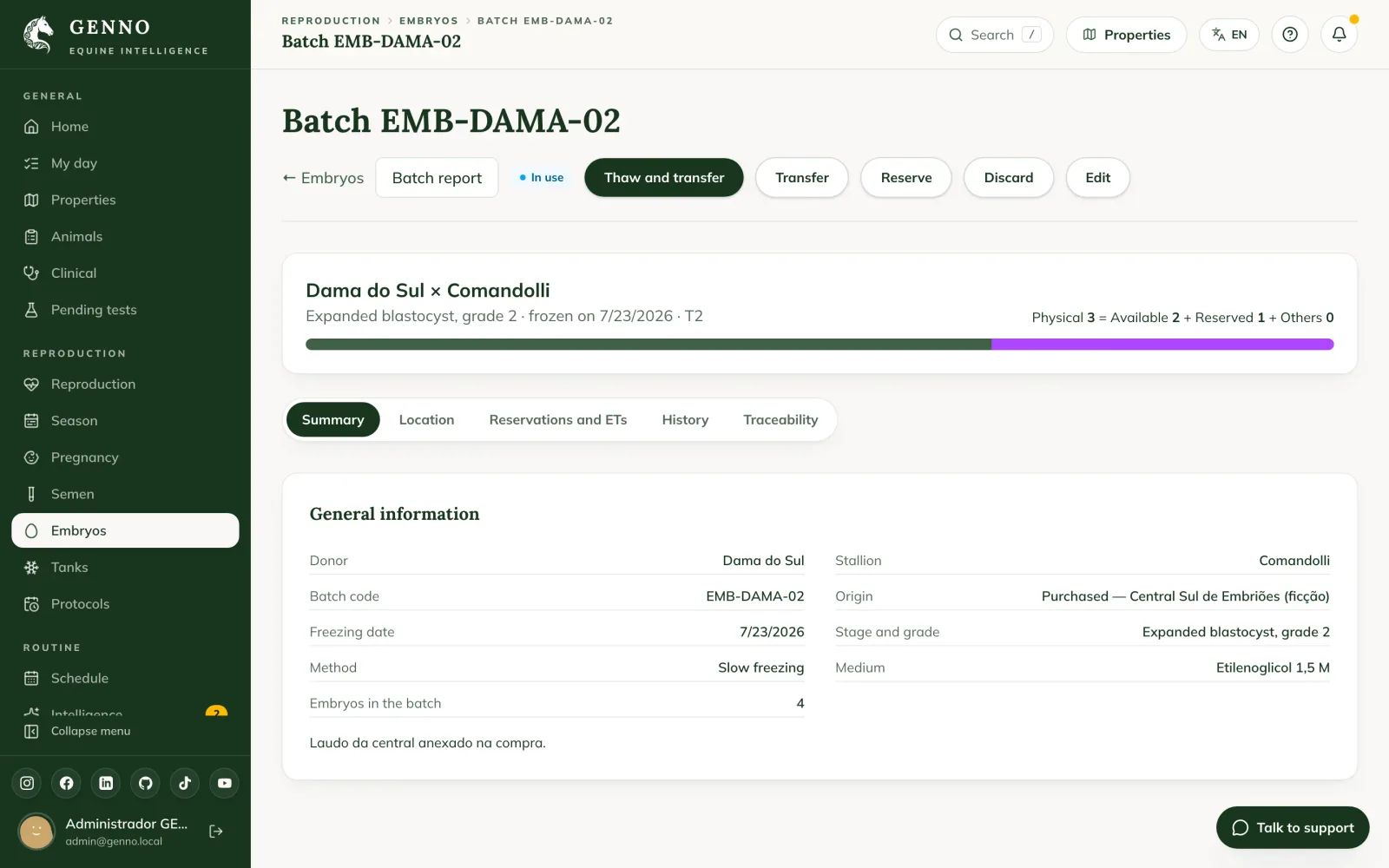
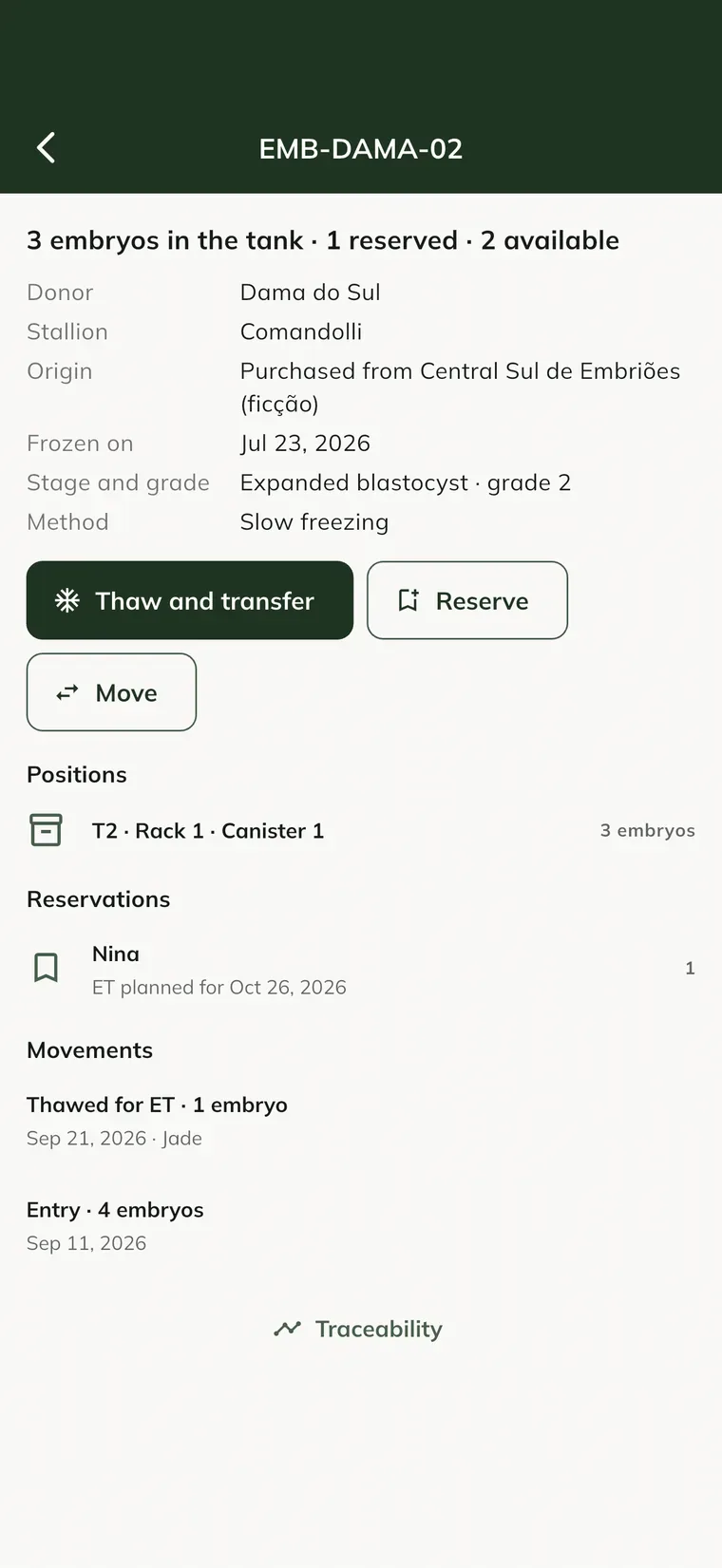
- Open the batch and click Reserve.
- Choose the Recipient, or write For whom (no recipient chosen).
- Enter the quantity and the Planned ET.
A reserved embryo leaves Available but stays in the tank until the ET. If the date passes, the Intelligence warns you.
Thaw and transfer
- On the batch, click or tap Thaw and transfer.
- Choose the Recipient. If there is a reservation for her, it is used.
- Check the position the embryo leaves from and save.
The ET is recorded on the recipient as a Frozen-embryo ET, and GENNO asks whether to schedule the pregnancy check. The result shows on the batch, under Reservations and ETs, and in the donor's stock. If the ET was in the schedule, start from Record on the appointment.
Other movements
Under Movements, record Transfer between positions, Shipment, Discard (with the reason) and Inventory adjustment. Use in an ET always goes through Thaw and transfer.
Report and traceability
On the batch, Batch report creates the PDF with the origin, stage, grade, method, positions and ETs. The Traceability tab shows everything that happened to the batch, from the flush (or the purchase) to the pregnancy.
Common problems
The Freeze button does not show on the flush. All the recovered embryos have already been transferred or frozen.
It says the position has no room. A position's capacity adds up semen and embryos. Choose another position or split the batch.
I cannot find the Use option in movements. Using an embryo is recorded through Thaw and transfer, which also creates the ET on the recipient.
Next steps

Didn’t this article solve it?
Talk to the GENNO team. Tell us what you were doing and, if you can, send a screenshot.