How to add the farm team to GENNO
Each person on the team has their own login. You create the access, choose what they can do and give them the email and the initial password.
Before you start
- Only people with the users permission (the administrator, by default) can register the team.
- Registration is done on the web, at web.genno.app.
- Read what each access profile can do before choosing.
- The plan includes a number of users. See how many you use in Settings, on the Subscription and limits card.
Register a person
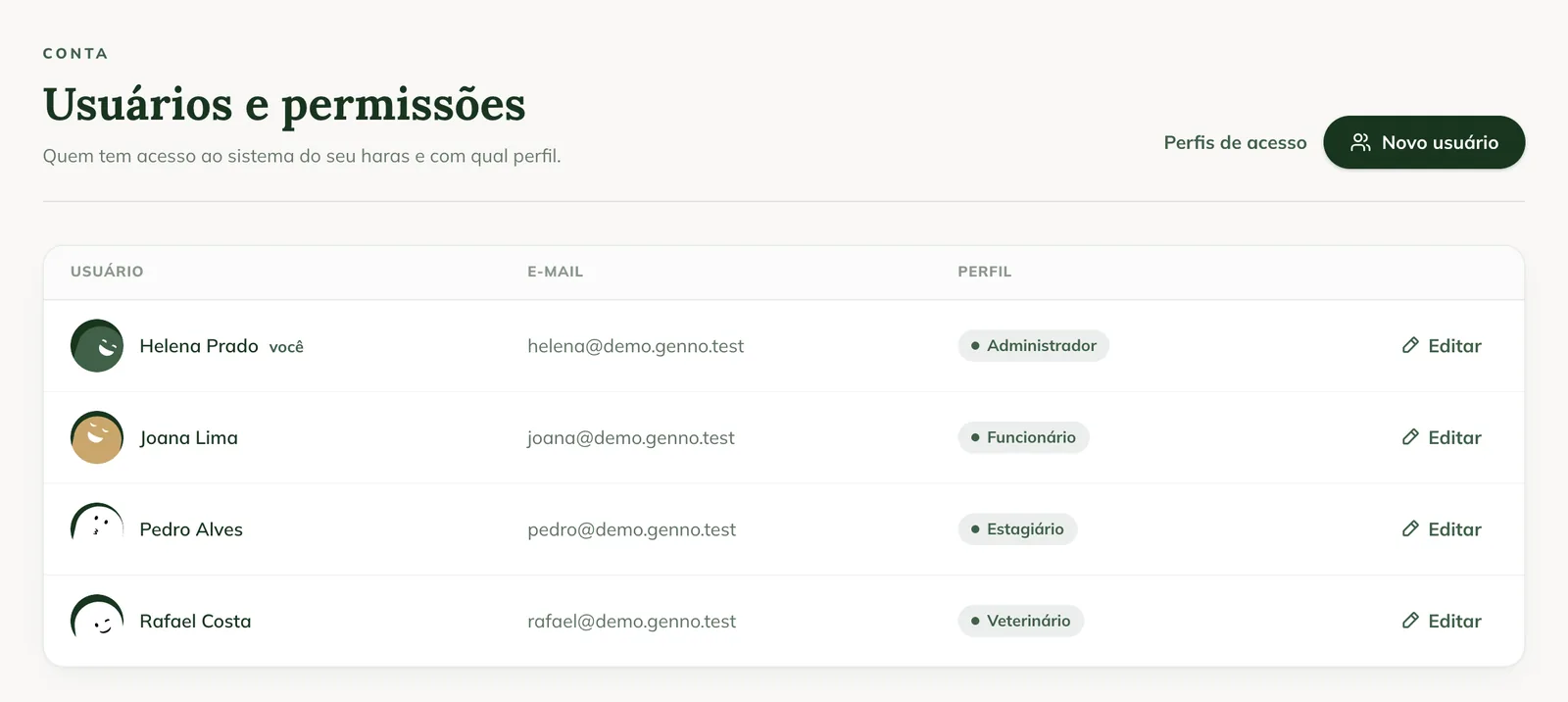
- In the side menu, under Account, click Users.
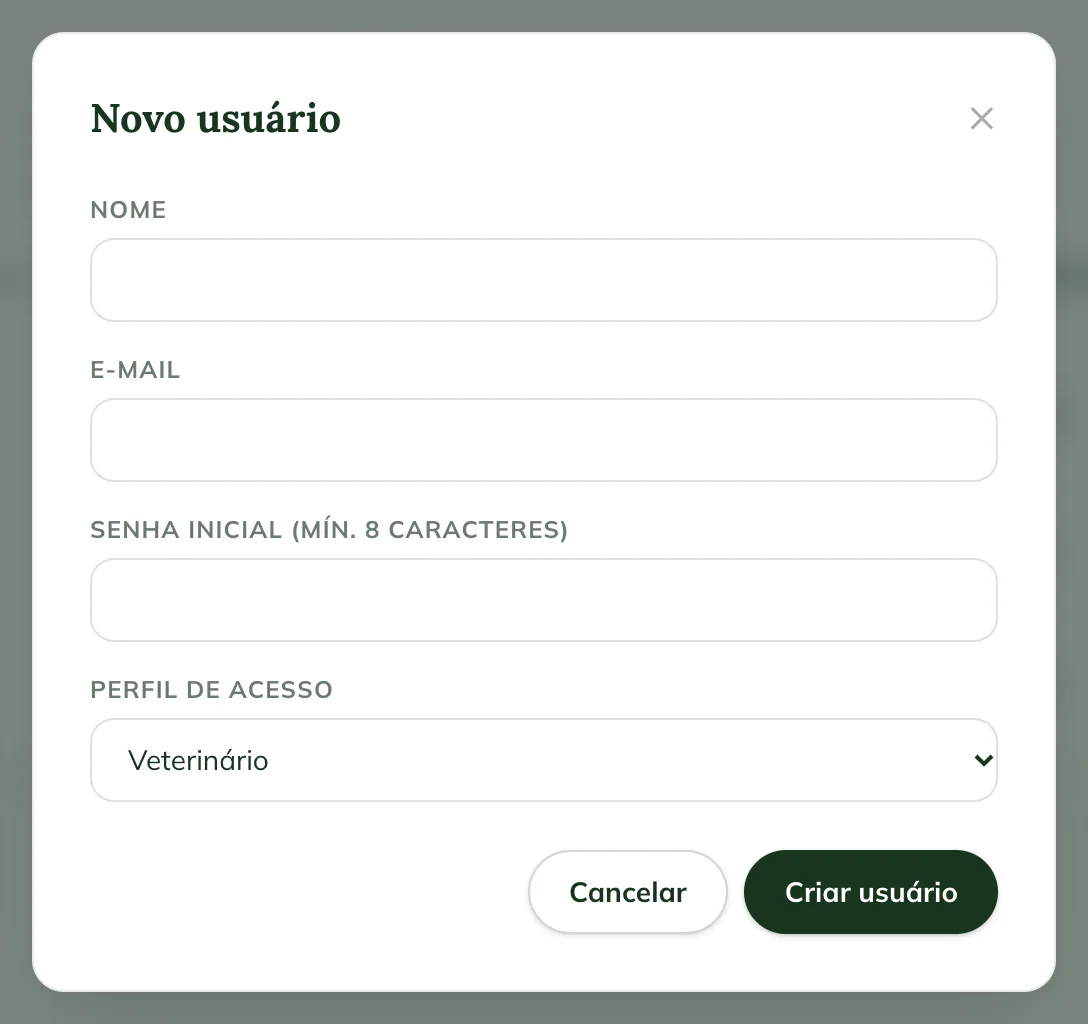
- Click New user.
- Fill in Name and Email. The email will be their login.
- In Initial password (min. 10 characters, no common passwords), create a temporary password. Very common passwords, such as "1234567890", are rejected.
- In Access profile, choose the profile: Administrator, Veterinarian, Staff, Intern or a profile created by the organization.
- Click Create user.
The person appears in the Users and permissions list, with the profile next to the email.
Give the access to the person
- Send the person, privately, the email and the initial password.
- Ask them to install the app and sign in with those details.
- After the first sign-in, they change the password in the app, in More › My Profile › New Password.
The team registration applies to all of the organization's properties.
Send the password through a private channel and ask them to change it on first access. The GENNO team never asks for passwords.
Change someone's profile
- In Users, click Edit on the person's row.
- Change the Name, the Email or the Access profile.
- Click Save.
You can't change your own profile. Ask another administrator.
Common problems
"Email already in use" appeared. That email already has a GENNO account. Use another email for the person or contact support.
"Your plan allows up to ... users." appeared. The team has reached the plan limit. See your plan and the limits and talk to the GENNO team to change plans.
I don't see the New user button. Your profile doesn't have permission to register users. Ask the administrator.
Next steps

Didn’t this article solve it?
Talk to the GENNO team. Tell us what you were doing and, if you can, send a screenshot.