How to complete the farm's initial setup
The first time you sign in on the web, GENNO asks for four quick steps. After them, the team can use the web and the app.
Before you start
- The setup is done only on the web, at web.genno.app.
- Only the organization administrator completes the steps. The rest of the team sees Setup in progress and waits.
- If you haven't created the account yet, see how to create the farm account and subscribe.
Sign in and see the steps
- Go to web.genno.app with the Email and Password you created at registration.
- Accept the terms of use and the privacy policy, if GENNO asks. See how to accept the terms.
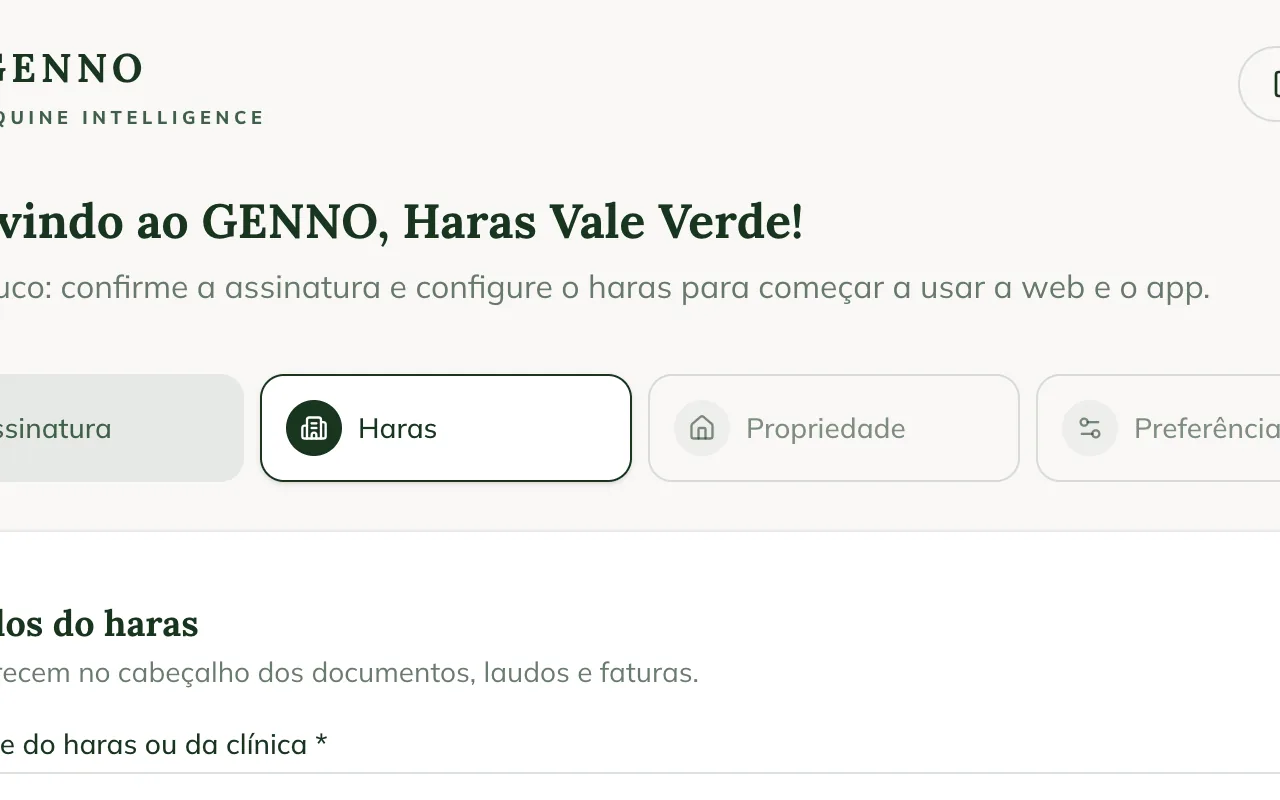
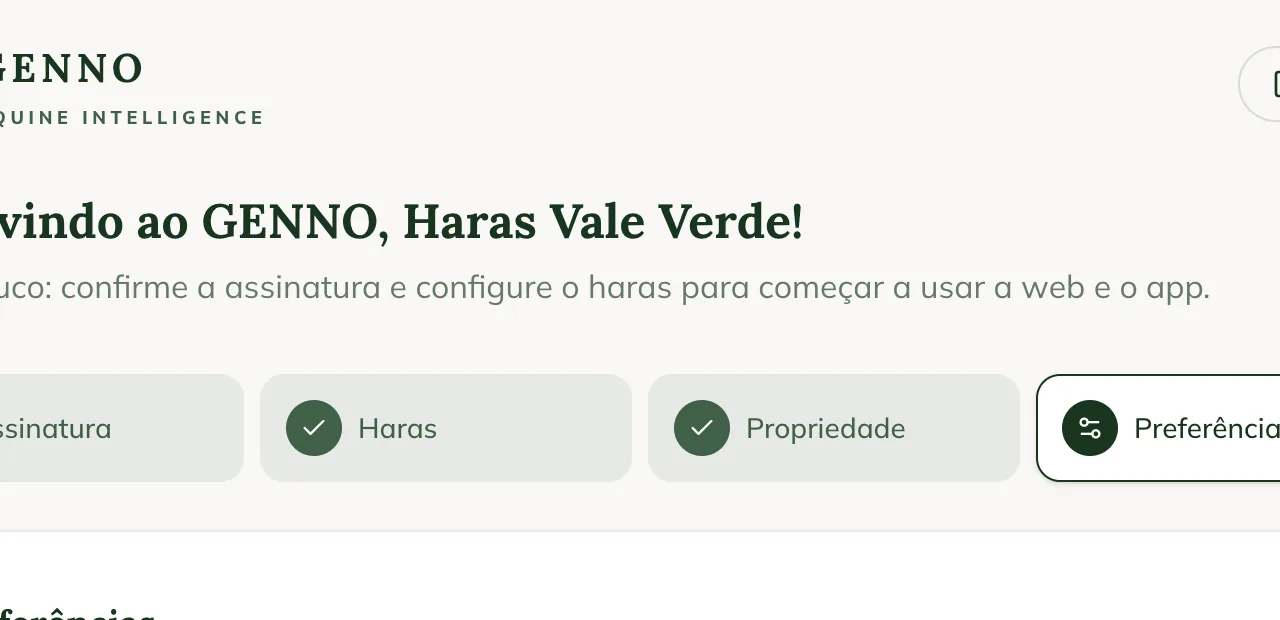
- The Welcome to GENNO screen opens, with four steps at the top: Subscription, Farm, Property and Preferences.
A completed step shows a check mark. The current step is highlighted.
1. Subscription
If the payment has already been confirmed, GENNO jumps straight to the Farm step.
- Check the selected plan. You can switch plans and choose Monthly or Annual before paying.
- Check the Total.
- Tap Pay now and complete the payment.
- When you come back, tap Refresh if the screen still shows We're confirming your payment…
2. Farm details
These details appear in the header of documents, reports and invoices.
- Check the Farm or clinic name. It is the only required field.
- Fill in Tax ID (CPF or CNPJ), Phone and Address.
- Tap Continue.
3. First property
The property is the ranch, farm or clinic where the animals are kept. Others can be registered later.
- Check the Property name. It comes filled in with the farm name.
- In City / state or address, enter where it is.
- Tap Continue.
4. Preferences
- In Currency, choose the currency for amounts (for example, Brazilian real (R$)).
- In Time zone, choose the time zone for the schedule and alerts.
- Tap Finish and enter GENNO.
Done: the web Home opens, already on the property you registered. Now the team can also sign in through the app.
Before going to the field, register the team and the animals on the web. On the phone, the first sign-in brings everything.
Common problems
"The last payment was declined. Check the plan and try again." appears. The payment was not approved. Tap Pay now and use another payment method.
"Setup in progress" appears. Only the administrator completes the setup. Wait for them to finish and sign in again.
The app shows "Setup pending". The steps on the web haven't been completed yet. Tap Open the web app, finish the setup and sign in to the app again.
I got the farm or property name wrong. You can change it later. See how to change the organization details and how to register and edit properties.
Next steps

Didn’t this article solve it?
Talk to the GENNO team. Tell us what you were doing and, if you can, send a screenshot.