Understand the Owner portal
This article is for the animals' owner. The Portal shows what the farm does with your horses: the record, reproduction, pregnancy, reports and invoices.
How to sign in
- The first time, open the invitation link the farm sent you and create your password.
- After that, sign in at web.genno.app with your email and password.
The Portal works in the browser, on a computer or a phone. If your animals are at more than one farm, you use the same account: switch farms with the button showing the farm's name, at the top of the screen.
The invitation is sent by the farm. See how to invite the owner to the Portal.
What each menu has
| Menu | What it shows |
|---|---|
| Home | The figures for your animals, mares, pregnancies and open invoices, the foaling forecasts, the upcoming assessments, the financial summary and the recent documents. |
| Notices | What the veterinarian sent: visit summaries, follow-ups, dose reminders and test results. It is also where you request a visit. |
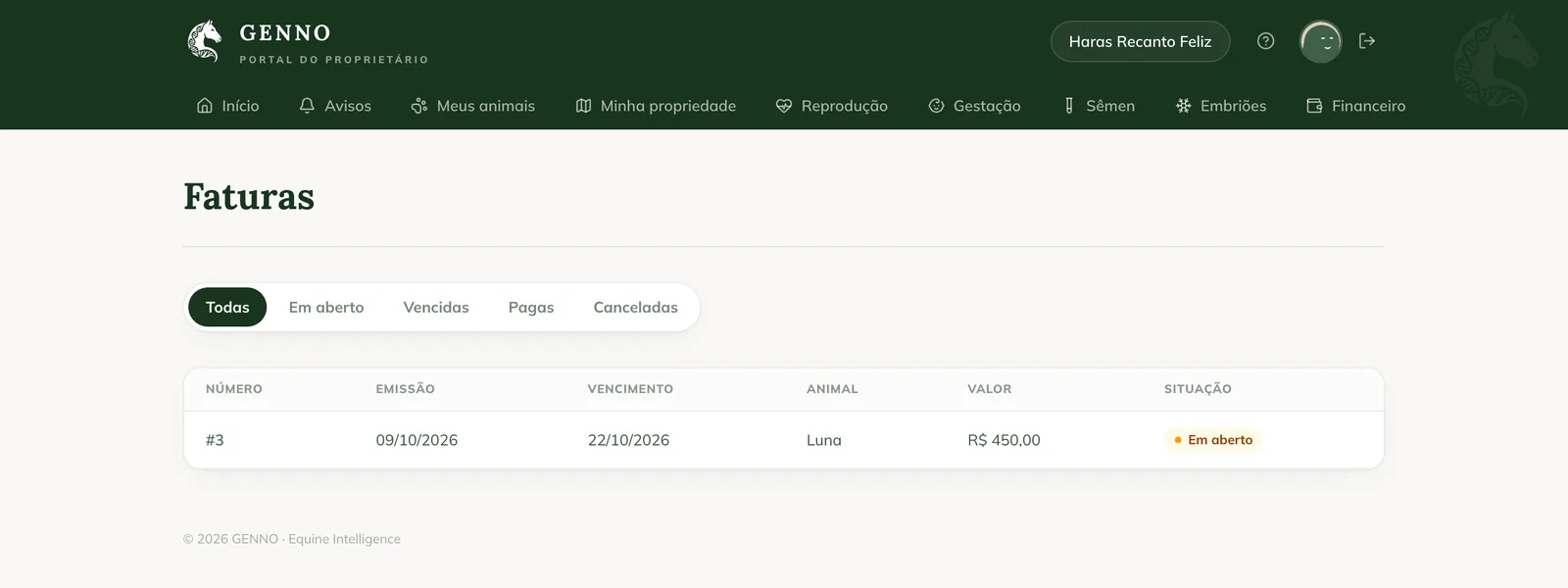
| My animals | Your animals. Click the name to see the identification, reproduction and health, and generate the PDF record. |
| My property | Your properties at the farm, with the address, the area and the pregnancies in progress. |
| Reproduction, Pregnancy, Semen and Embryos | The monitored mares, the pregnancies with the expected foaling, your stallions' semen batches and the embryo flushes and transfers. |
| Finance and Invoices | What is Open, Expired and To invoice, what was Paid this year and each invoice, with the PDF. |
| Reports and Documents | The signed reports and the contracts, exams and certificates the farm shared with you. |
| Reports | Animal record, reproductive, pregnancy, statement and invoice as PDFs. |
The reproduction and finance menus only appear if the farm uses those areas in GENNO.
Invoices
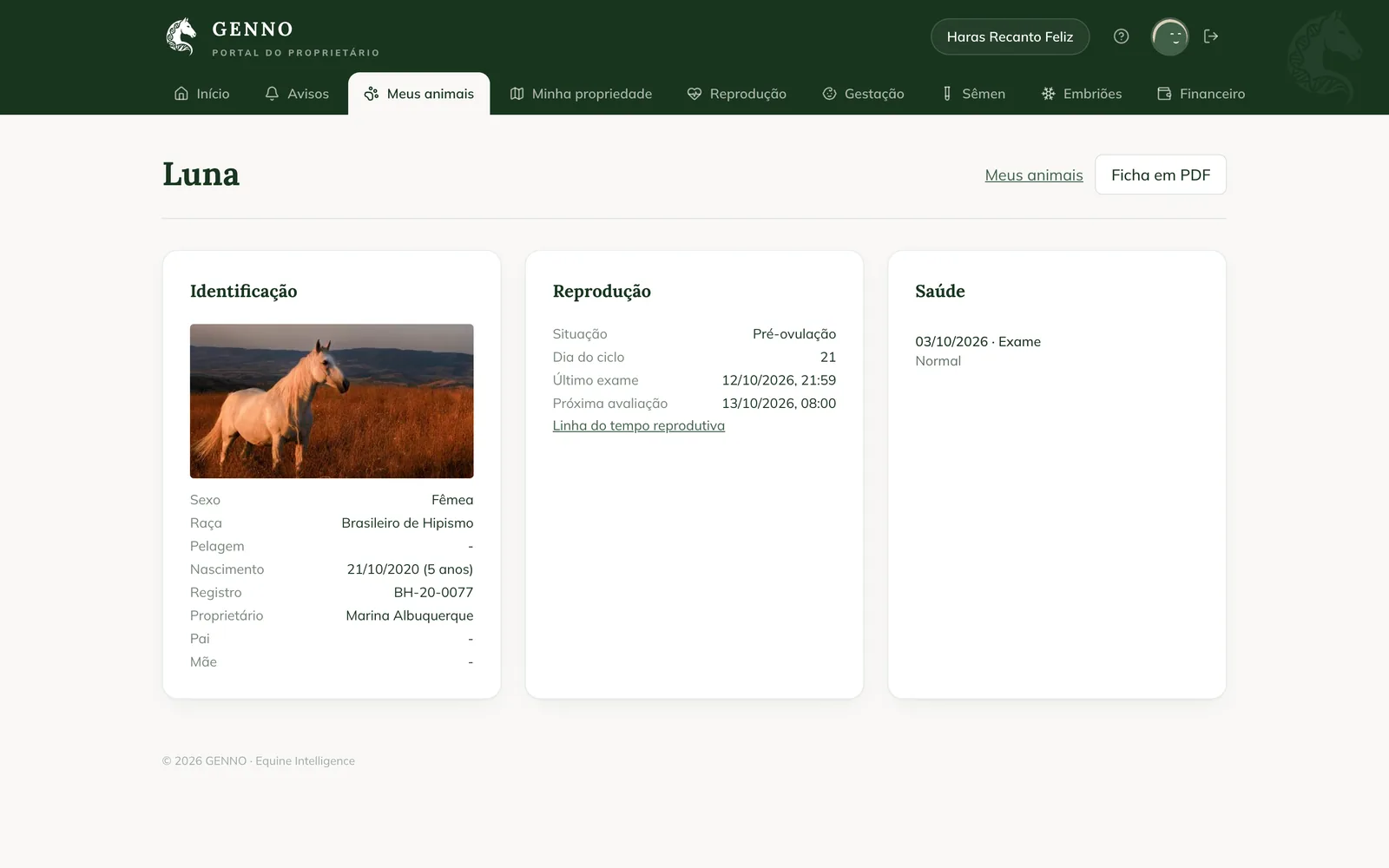
In Invoices, filter by All, Open, Overdue, Paid or Cancelled. Click the invoice to see the items and the total, and click Download PDF. In Finance, PDF statement generates the statement of your account with the farm.
Payment isn't made through the Portal. It continues as you agreed with the farm.
Reports and documents
Under Reports are the reports signed by the veterinarian. Under Documents, the contracts, exams, certificates and other files. Click the document to open it, download the PDF or check the verification code.
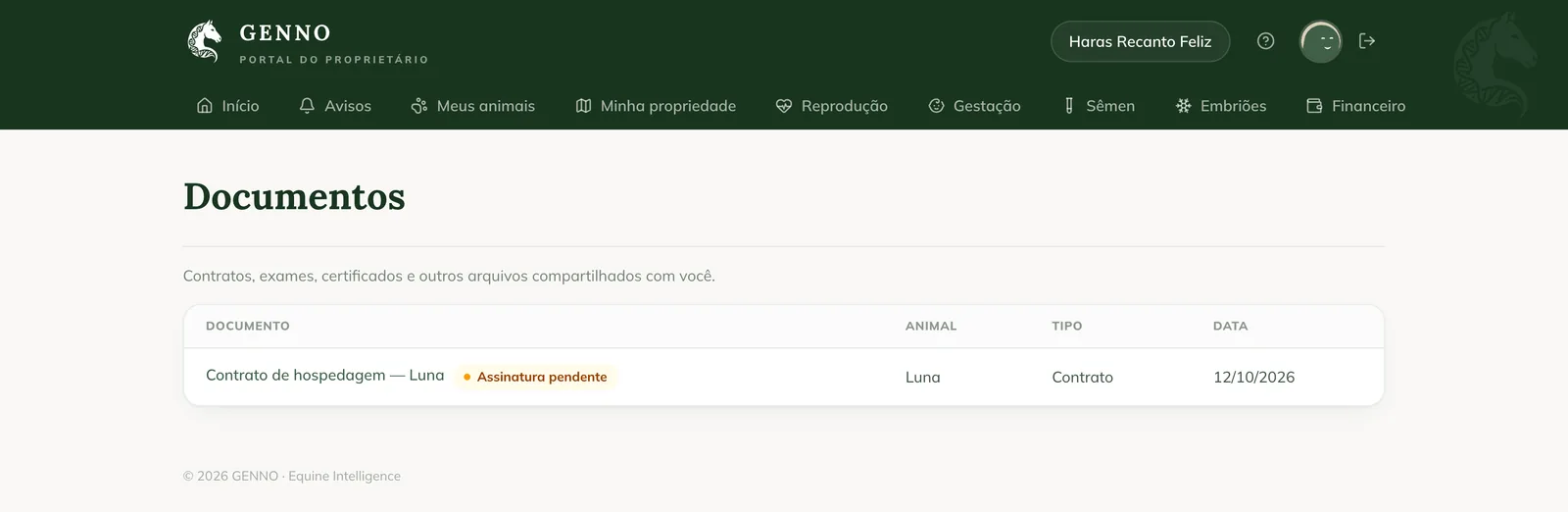
If a document shows Signature pending, the farm has requested your signature. See how to sign a document in the Portal.
Reports
- Click Reports and choose the report.
- Choose the Animal, the Pregnancy, the Invoice or the Period, depending on the report.
- Click Generate report and Download PDF.
What the Portal doesn't show
The Portal is view-only, with three exceptions: requesting a visit, choosing which notices you receive and signing what the farm requests. You don't see the team, the internal schedule, the inventory, the farm's costs or other owners' data. For visits, the date, the type and the diagnosis appear.
Common problems
"No animals linked to you at this farm." appeared. The farm hasn't linked your animals to your client record yet. Ask the farm.
I don't see a report the veterinarian made. The report appears after the farm signs and shares it. Ask the farm to share it.
I have animals at two farms and only see one. Switch farms with the button showing the farm's name, at the top. If the other one doesn't appear, ask that farm for an invitation, with the same email.
Next steps

Didn’t this article solve it?
Talk to the GENNO team. Tell us what you were doing and, if you can, send a screenshot.