How to change the card and see the subscription invoices
WebNeeds internet
The credit card and the subscription invoices live in the Stripe portal, opened from inside GENNO. The charges also appear in the Invoices card of the Settings.
Before you start
- Only the organization's Administrator sees the Payment card and the invoices.
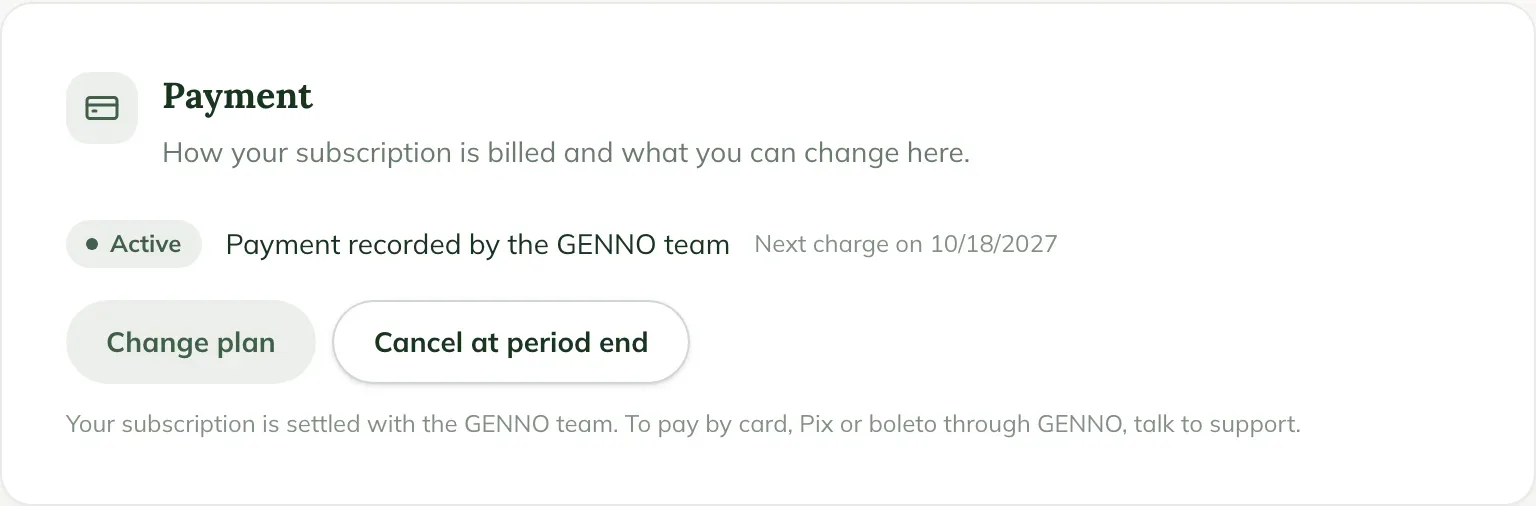
- The portal only exists for the subscription billed by Stripe. If your subscription is settled with the GENNO team, contact support.
Changing the card
- At web.genno.app, click Settings › Plan and data › Subscription and limits.
- In the Payment card, click Change card and see invoices.
- In the Stripe portal, under Payment method, add the new card and set it as default. The next charge already uses the new card.
- Click Return to go back to GENNO.
Seeing the invoices and receipts
- In the same Payment card, scroll to Invoices.
- Each row shows the date, what was charged, the amount, the method and the status (Open, Paid, Unpaid, Refunded).
- Click Receipt to open the Stripe invoice PDF, or Pay on an open invoice.
- In the Stripe portal, the full history is also under Invoice history.
Whoever pays by Pix or boleto has no card to change: the portal is for seeing and downloading the invoices.
Common problems
The portal does not open. Your subscription is not billed by Stripe (it was recorded by the team). Contact support to start paying by card, Pix or boleto through GENNO.
I cannot find the receipt of an old payment. Payments recorded by the team before Stripe appear in the list without the link; ask support for the receipt.
Next steps

Didn’t this article solve it?
Talk to the GENNO team. Tell us what you were doing and, if you can, send a screenshot.