How to look up the audit log
WebNeeds internet
The audit log keeps the history of what was done in the organization's GENNO. It helps you understand who changed a record and when.
Before you start
- The audit log is only for the Administrator.
- It is on the web.
Look it up
- At web.genno.app, click Audit in the menu.
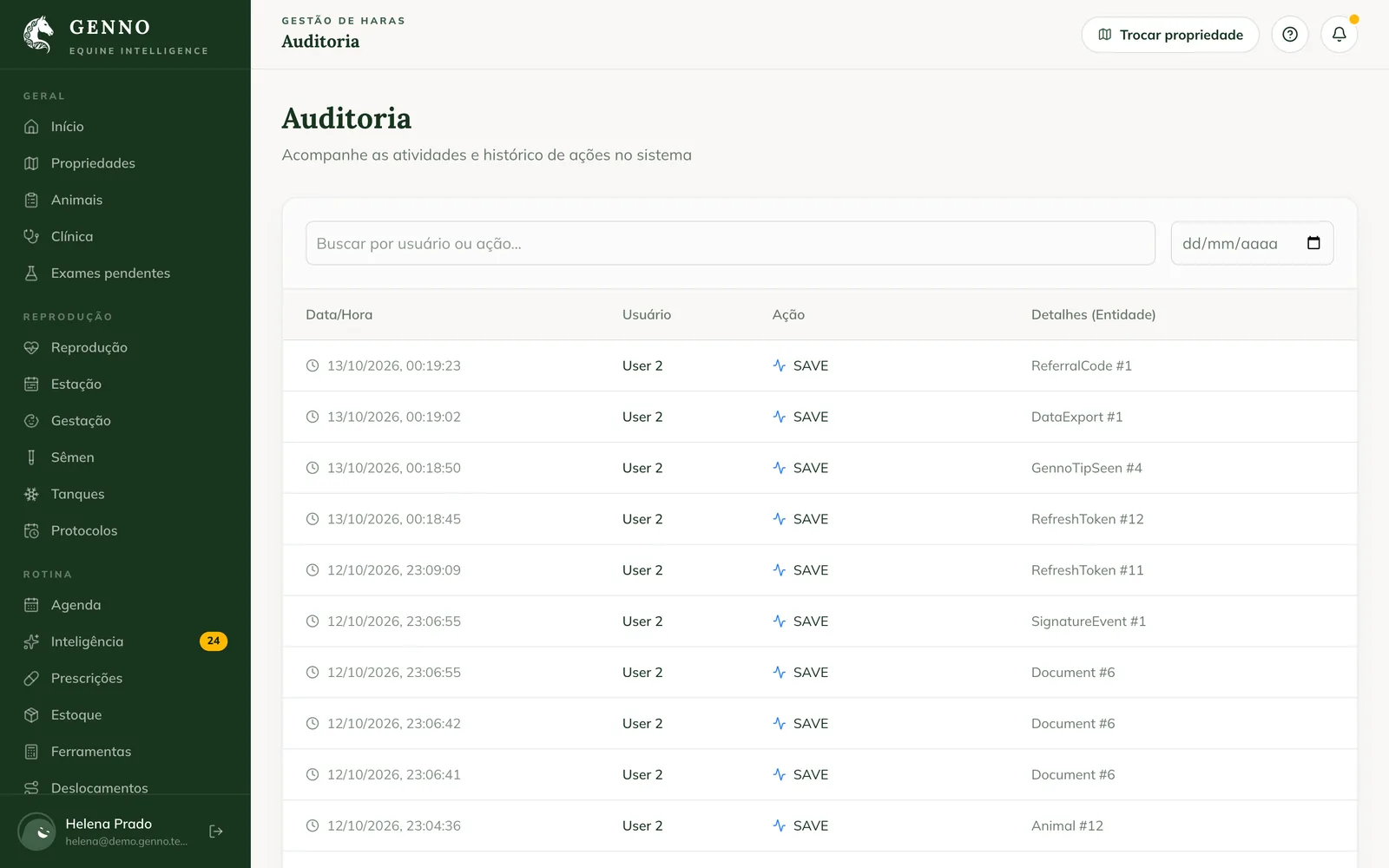
- The list shows the organization's actions.
- On each row, see the Date/Time, the User, the Action and the Details (Entity), with the part of the system and the record number.
Queries by the GENNO team authorized in a Custom request are also recorded.
Common problems
I don't see the Audit menu. It only appears for the administrator.
I want to know who changed a document. Documents have their own signature history, in See the trail, on the document page.
Next steps

Didn’t this article solve it?
Talk to the GENNO team. Tell us what you were doing and, if you can, send a screenshot.